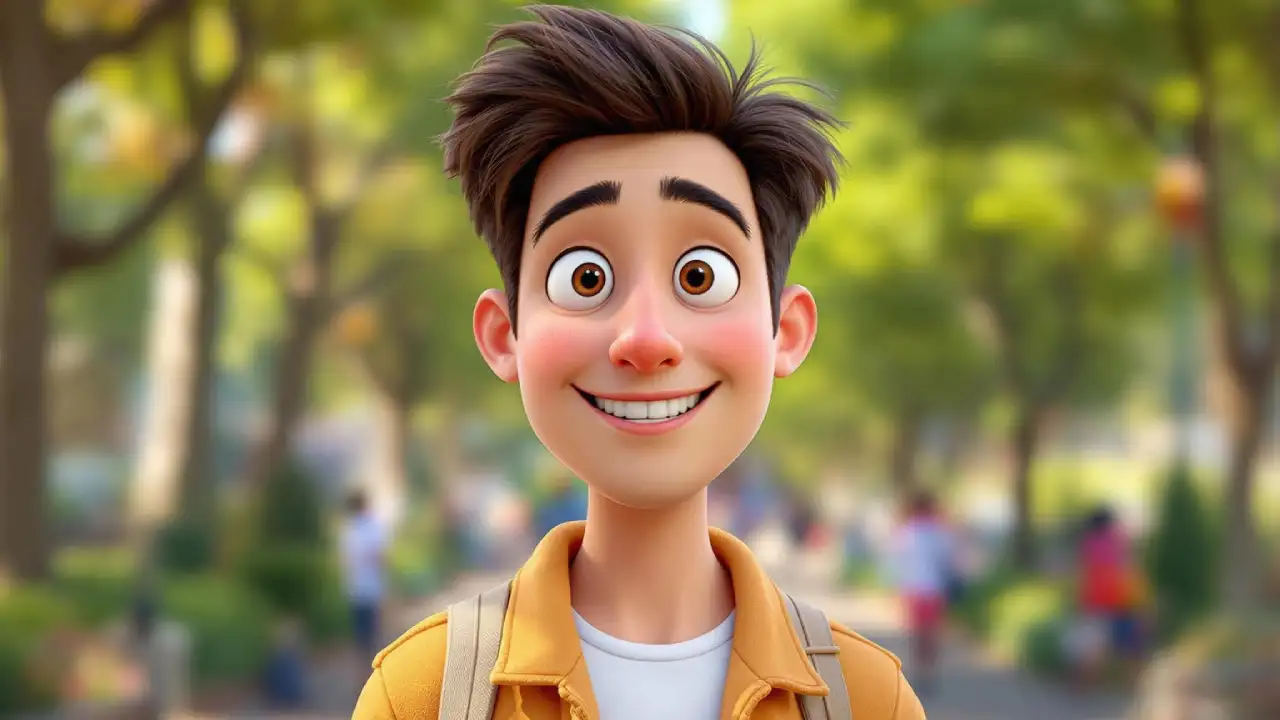

AI avatar videos are videos where a digital human avatar speaks your script using artificial intelligence. These avatars can look realistic or animated and can speak in multiple languages with natural lip-sync and facial expressions.
AI avatar videos are revolutionising digital content creation. Whether you’re a YouTuber, marketer, educator, or business owner, they offer a fast and professional way to produce engaging videos without technical skills.
Instead of filming yourself or hiring actors, you can now generate realistic talking avatars using AI, and even earn money from faceless YouTube channels.
There are many professional premium tools to make AI avatar videos, but there’s a free method. By using Gemini and Flow, the best part both can be availed with a Gemini Pro subscription, which is now free for students.
Step-by-Step Guide to Create Free AI Avatar Videos
Here’s the full workflow to create AI avatar videos for free using Gemini and Flow.
- First of all, if you don’t have a Google Gemini Pro subscription, get one for free using its Student’s Offer, or through a Jio SIM with any 5G recharge.
- Open the Gemini app, and create your anime-style avatar image.
- The prompt for creating the avatar photo is given below. You can copy-paste and then make some changes according to your image style.
- After creating the avatar image, search for ‘Flow’ on Google and open its website.
- Then click on ‘Create with Flow’ and start a new project.
- Now choose the option ‘Frames to Video’ and upload your AI avatar image.
- Along with the image, paste the video generation JSON prompt given below.
- You can change the script at the top of the prompt, as per your script.
- This JSON prompt has been generated using Gemini, and you too can ask it to write one by describing how you want to create a video with Flow.
- After pasting the video prompt, hit the ‘Generate’ button, and your video will be created in a few seconds.
In this way, you can very easily create AI avatar videos for free using Gemini and Flow. The best part about Flow is the option to expand the footage, through which you can even make long-form videos by mixing different AI-generated video clips.
Here are the prompts.
Gemini Prompt for AI Avatar Image
Create an anime-style 3D render screenshot of a male VTuber (somewhat looking like the attached image person), sitting in a gaming chair behind a white table. The table top is visible for less than half. A laptop is placed on the left side of the table, and a podcast mic is on the right side. He has black hair and fair skin. He is wearing a futuristic black techwear bomber jacket with glowing neon patterns. The background is a dimly lit streamer room with neon accent lighting, shelves filled with camera gear, monitors, and potted plants. High octane render, detailed textures, volumetric lightingVideo Prompt for Google Flow
{
  "script": {
    "text": "नमस्ते, अगर आप भी ऐसा वीडियो बनाना चाहते हैं, तो पूरी प्रक्रिया को अच्छे से समझकर ख़ुद से बनाने का प्रयास करें."
  },
  "voice_config": {
    "language_code": "hi-IN",
    "name": "hi-IN-Neural2-B",
    "ssml_gender": "MALE",
    "speaking_rate": 1.0,
    "pitch": 0.0
  },
  "animation_timeline": {
    "duration": 5.0,
    "expressions": [
      {
        "start": 0.0,
        "end": 1.5,
        "label": "encouraging_nod",
        "strength": 0.7
      },
      {
        "start": 1.5,
        "end": 3.0,
        "label": "confident_smile",
        "strength": 0.9
      },
      {
        "start": 3.0,
        "end": 5.0,
        "label": "warm_expectant",
        "strength": 0.8
      }
    ]
  }
}