

Music videos used to be expensive, technical, and time-consuming. You had to film footage, edit scenes, sync the music, and fix colours. It was a whole production. But now AI has changed everything.
Imagine turning your idea, a vibe, a theme, or a story, into a complete song with vocals and instrumentals in minutes without musical skills or studio gear.
That’s exactly what Suno AI is doing, and people are already using it to make music, experiment with styles, and even turn their tracks into viral clips.
Whether you want to create a chill lo-fi track, a cinematic piece, or a catchy hook, Suno AI lets you describe your idea in words and instantly brings it to life.
The coolest part? You can start without paying a single penny!
Why Suno AI Is a Big Deal for Creators
Before AI came along, making music meant learning production tools, recording vocals, paying for beats, and spending hours mixing and mastering. Suno AI changes that.
You don’t need traditional tools or expertise. You describe: the genre, the mood, the tempo, even specific instruments or lyrical themes…and Suno AI generates a track that matches your prompt.
It even includes vocals that sound expressive and musical, something that was once only possible in studios.
Because the AI handles composition, melody, instruments, and vocals together, creators can experiment fast, iterate, and refine without long learning curves.
Step 1: Make the Song (Suno)
First, create your song using Suno.
Sign up for the free plan and write a clear description of the song you want, who is singing, what it’s about, and the music style.
Suno gives you two versions. Listen, pick the one you like, and download the song. This will be your main audio.
Step 2: Create matching AI images
Now you need visuals that fit the song.
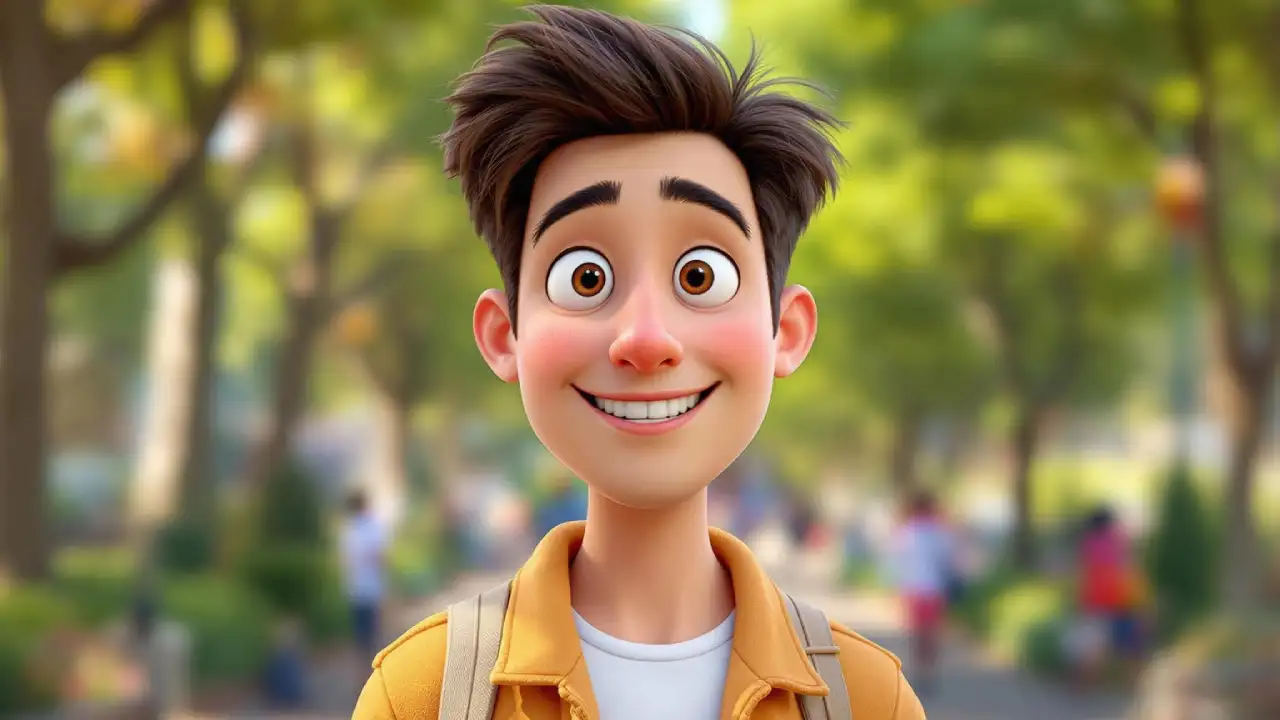
Use an AI image tool to create one main character image (the singer) and a few extra images for background scenes like walking, nature, stage, or emotional moments.
Keep the same character look in every image so the video feels consistent. Download the best images.
Step 3: Turn images into short videos
Next, convert each image into a short moving clip.
Upload one image at a time and add very simple motion, like slow camera movement, hair moving in the wind, or a slight head turn.
Each clip should be around 5-6 seconds. Avoid fast or complex movements.
Step 4: Lip-sync close-up shots
Only do lip sync on clips where the face is clearly visible.
Upload the video clip and a small part of your song audio, then generate lip sync.
Check if the mouth matches the audio. If it looks off, try another clip or adjust the timing. You don’t need to lip-sync the whole song.
Step 5: Edit everything together
Finally, put everything into a video editor.
Add the full song first, then arrange the clips in order:
- Start with wide or calm shots
- Use storytelling clips in the middle
- Add lip-sync clips during the chorus or emotional moments
- Add light transitions if you want, then export the final video.
Prompts for AI Music
If you want to try creating AI music, then here are some prompts that you can use to make your first AI song.
Lo-Fi / Chill Beats (Study / Vlog Backgrounds )
A chill lo-fi hip-hop track with soft vinyl crackle, warm Rhodes chords, gentle boom-bap drums, and a relaxed late-night vibe. Slow tempo, no aggressive elements. Minimal vocals, only subtle humming or none at all. Feels like studying at 2 AM under a warm desk light.
Hip-Hop / Trap (Modern, Viral Style)
A modern trap beat with hard 808 bass, crisp hi-hats, punchy drums, and dark melodic synths. Confident, bold mood. Male rap vocals with clear flow. Lyrics about ambition, hustle, and proving doubters wrong. Catchy hook suitable for short-form content.
Cinematic / Emotional Score
A cinematic emotional score starting with soft piano and strings, slowly building into a powerful orchestral climax. No vocals. Dramatic, inspiring mood that feels like the final scene of a movie. Deep emotions, slow build-up, wide stereo sound.
ROHIT Parimal zate