With the release of Google’s Nano Banana Pro image model, generating realistic AI images has become very easy. And social media is seeing a new trend every other week.
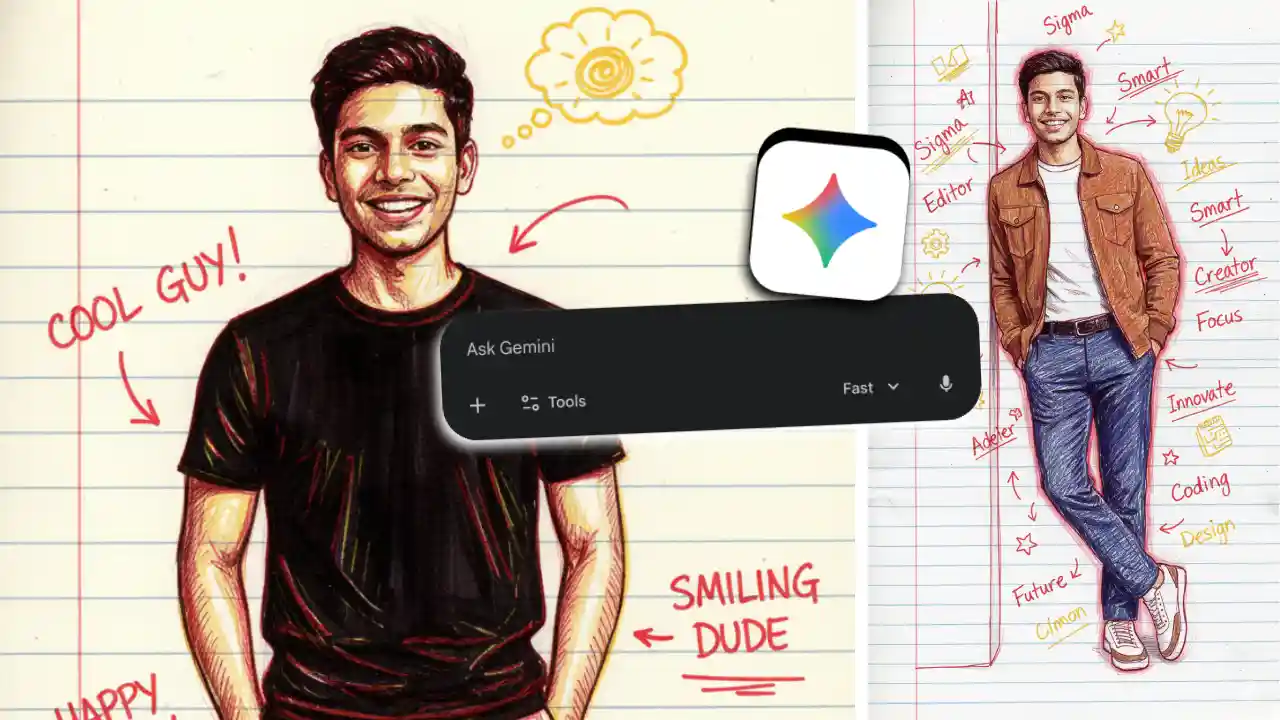
For a few days now, a new trend of creating red and yellow pen sketch AI images has been sweeping over the Instagram algorithm.
If you also want to create the same kind of illustration image for yourself, then you’re on the right page. Here, you’ll get details about the full process along with the prompt you need to copy and paste to create the pen sketch AI image.
How to Create Pen Sketch AI Image with Gemini?
- Open the Gemini mobile app, or its website gemini.google.com
- You’ll find a prompt input area to write something and upload files.
- Upload your photo from the + icon or the attach option.
- Then paste the text prompt you’ll get in this post below.
- After copy-pasting the prompt, you just need to press the send button, and Gemini will start generating your AI image using the Nano Banana Pro model.
- Your AI image will be ready in just a few seconds.
- Now you can download the full-size image and share it on your social media.
Copy-Paste Gemini Prompt
Copy the above prompt and paste the same after uploading your photo on Gemini to create the viral trend of pen sketch AI image.
Additionally, you can type the words you want to add to your image after the above prompt. For example: add words like Sigma, Editor, AI, Smart, Trending, etc.