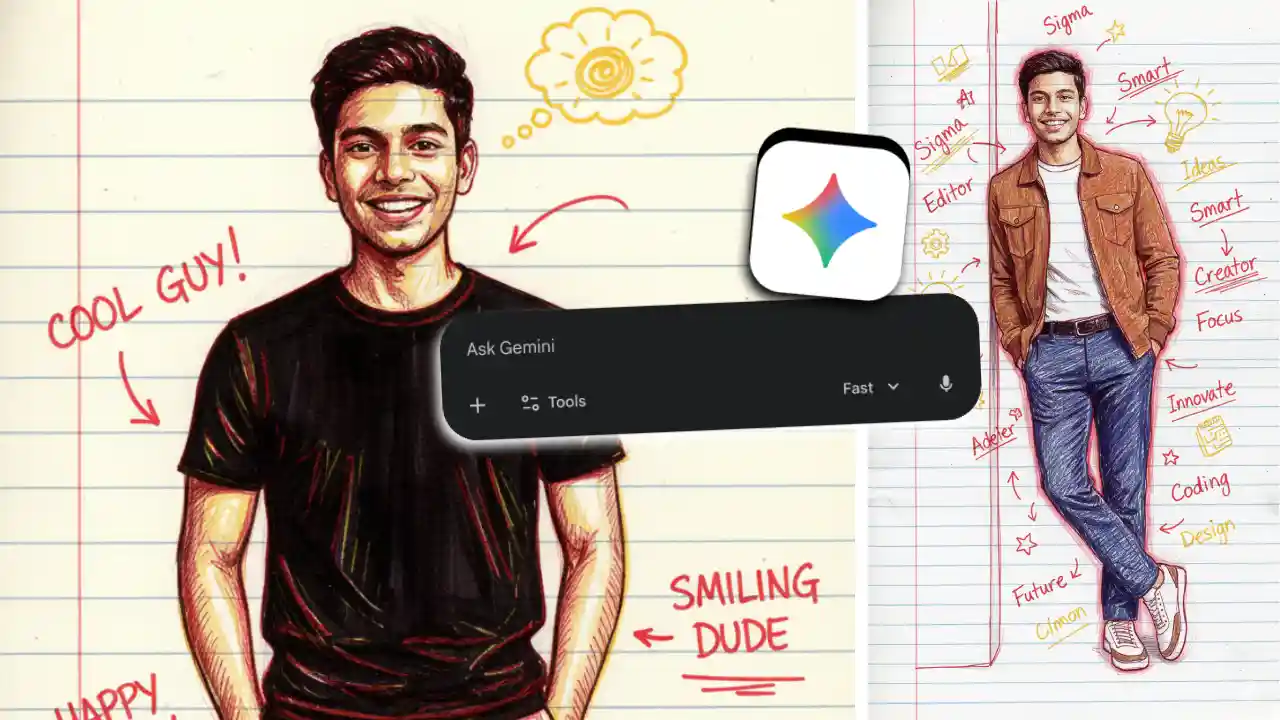

If you’ve been on LinkedIn or Instagram lately, you’ve probably seen those funny screenshots where AI absolutely destroys someone’s LinkedIn profile via emojis, doodles, and brutally honest comments included. It’s trending for a reason… because it hits way too close to home.
This isn’t some complicated tool or paid software. All you need is a screenshot of your LinkedIn profile and Gemini. Upload the screenshot, drop one smart prompt, and within seconds, AI gives you a roast that’s funny, painful, and weirdly accurate.
People love it because it shows what recruiters actually see: overused buzzwords, vague job titles, fake confidence, and profiles trying a little too hard. It’s entertainment, yes… but it’s also low-key career therapy.
AI Tool Behind the Trend: Gemini
You don’t need any paid tool or complicated setup. All you need is Gemini and one screenshot.
Gemini is especially good at reading profile screenshots, understanding tone and intent, and adding humor, structure, and visual annotations when prompted correctly.
The roast works because Gemini analyses the visual layout of your LinkedIn profile headline, experience, skills, and positioning, not just plain text.
Steps to Roast Your LinkedIn Profile Using AI
- Open your LinkedIn profile and take a clear screenshot.
- Make sure your headline, experience section, and skills are visible. This is important because the AI needs context.
- Next, open Gemini and start a new chat.
- Upload the screenshot of your LinkedIn profile directly into the chat.
- Now comes the most important part, the prompt. This is where the magic happens. One well
Prompts for LinkedIn AI Roast
You are a witty but fair career roast expert. Roast this LinkedIn profile screenshot in a funny, light-hearted way, not mean, but painfully honest use red and blue scribbles. Point out overused buzzwords, generic job titles or descriptions, anything that sounds fake, vague, or copy-pasted, where the profile is trying too hard to sound impressive. Use humour, emojis, and short, punchy lines. End with 3 practical suggestions on how this profile could actually improve.
Savage AI Roast Prompt
Act like a brutally honest AI recruiter with zero filter. Roast this LinkedIn profile screenshot aggressively but humorously with cute doodles, emojis, and drawings. Use yellow and red colours. Call out fake confidence, buzzword addiction, titles that mean nothing, and skills that everyone claims, but nobody proves. Use sarcasm, exaggeration, and emojis. Finish with a reality check and one sentence of advice.