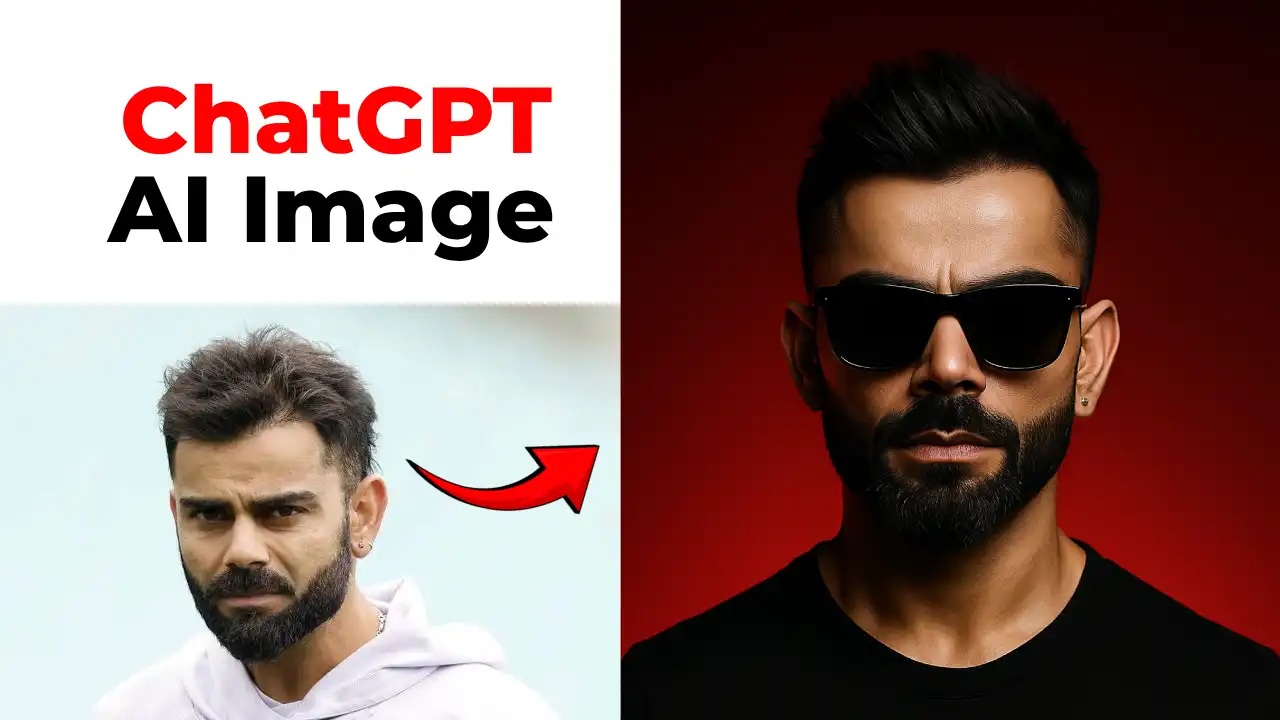
If you’ve been scrolling through Instagram lately, you’ve probably noticed one thing: everyone keeps saying that AI only works if you pay for it, as free AI tools do not match your satisfaction level.
Whether it’s image generators, video models, or editing tools, everything seems locked behind monthly subscriptions and “limited free credits.”
And honestly? It gets frustrating. You want to create something cool, something cinematic or aesthetic, without your wallet crying in the corner.
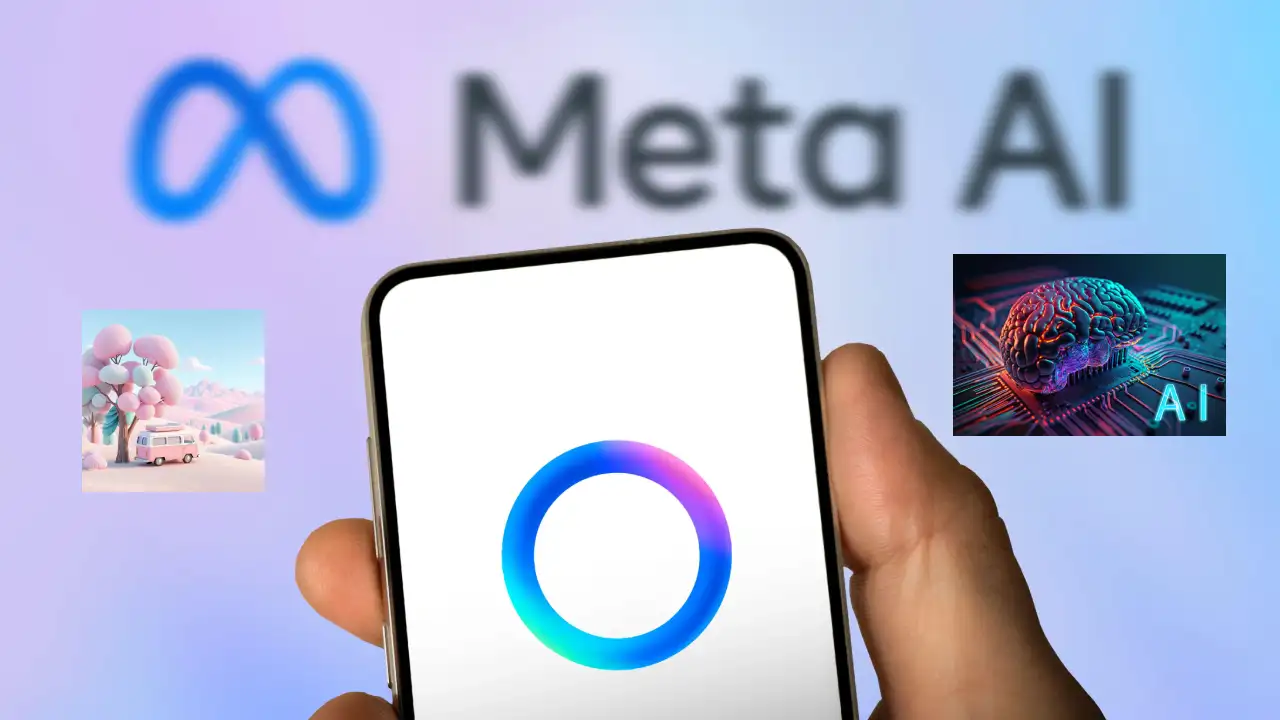
That’s exactly where Meta AI flips the whole script.
Unlike most AI platforms that push you into upgrades, Meta AI quietly lets you generate high-quality images and videos for ₹0 / $0. No login hoops. No credit card pop-ups. No “you’ve run out of credits” warning right when you need the tool the most. You simply open a chat, type your prompt, and Meta AI handles the rest.
What makes this even more wild is that it’s available right inside the tools you already use every day, Instagram, WhatsApp, Facebook, and the Meta AI website. There’s no dashboard to learn, no settings to tweak, and no complicated workflows.
You literally use it the same way you text your friend. Except now your messages generate cinematic edits, animated visuals, hyper-real portraits, and even ad-style clips instantly.
And yes, it’s completely free.
Meta AI also brings its own style. The images look sharp, the colours pop, the videos are smooth, and the overall polish feels… premium. This is why creators, freelancers, small businesses, and even students have started calling it their “secret weapon.”
Steps to Create an AI Image and Video
Whether you want thumbnails, aesthetic visuals for reels, product images, or quick video content, Meta AI performs far beyond a typical free tool.
Using it is almost too simple. You open the Meta AI chat → type what you want → and watch the magic appear. That’s it. No tutorials needed. If you can type, you can create.
Step 1: Open Meta AI
Go to the Meta AI interface. You can access it through its website, mobile app, or even the integrated AI chat on WhatsApp and other Meta products.
Step 2: Decide Your Output
Choose whether you want an image, a short video, or an animation.
Step 3: Use a Detailed Prompt
This is the most important step. Avoid generic prompts. Write detailed prompts specifying the characteristics of the images and videos you want to generate through AI.
Step 4: Generate & Review
Generate once, review the output, and refine the prompt if needed.
Prompts to Create AI Image and Videos with Meta AI
For Images:
- A hyper-realistic 8K portrait of a young creator in soft natural lighting, surrounded by floating holographic UI screens, crisp details, and DSLR background blur.
- A colourful animated illustration of a friendly robot generating images from a glowing tablet, neon gradients, soft outlines, and fun futuristic vibes.
For Thumbnails:
- A dramatic YouTube-style thumbnail showing a shocked creator pointing at bold neon text “AI for ₹0 / $0,” high contrast colours, clean composition, and glowing borders.
- A bright doodle-style thumbnail with floating stickers like clouds, stars, a smiling sun, tiny hearts, notebook-paper textures, and friendly handwritten text saying “How Was My Day?” in a cute aesthetic font.
For Videos:
- Turn this into a soft, peaceful mini-vlog video with slow zooms, sunlight flares, cosy textures, gentle camera movements, handwritten doodle stickers, pastel colour grading, and relaxing lo-fi background mood.
- Transform this video into a glossy runway-style cinematic edit with dramatic spotlights, slow-motion walk pacing, high contrast black-and-gold tones, lens flares, and fashion-week energy.